Essential Tools for Successful Repair
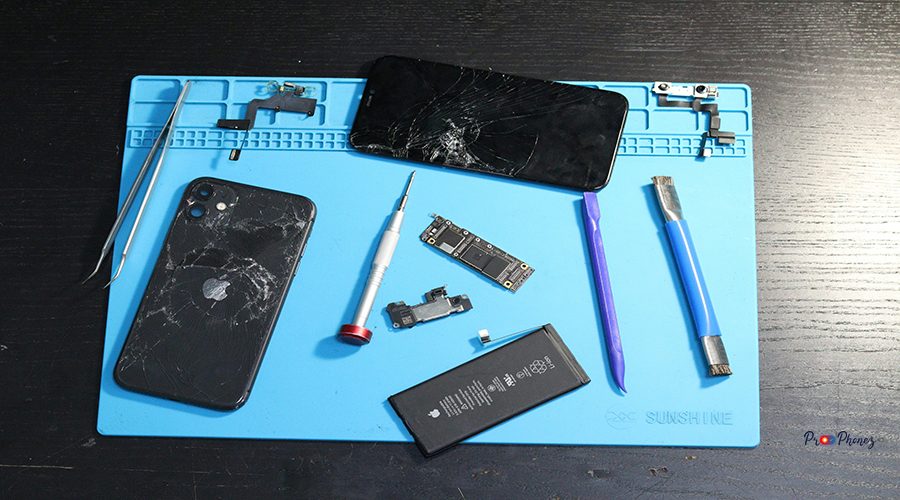
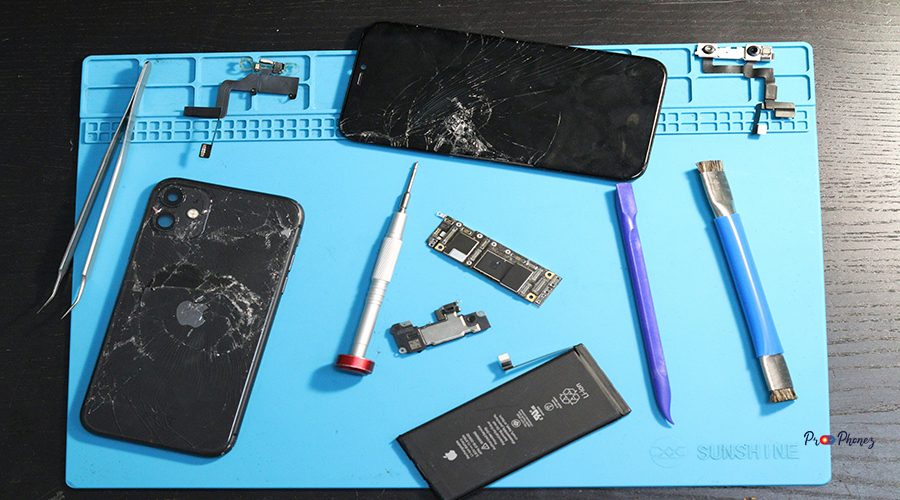
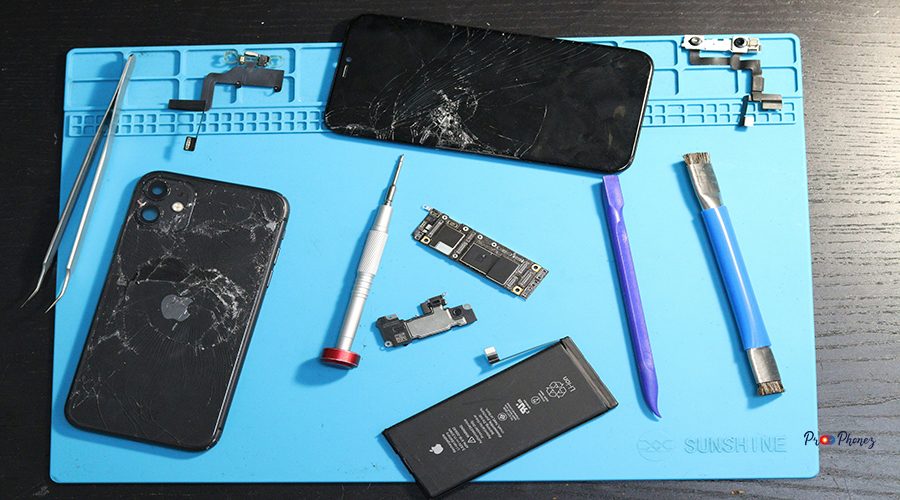
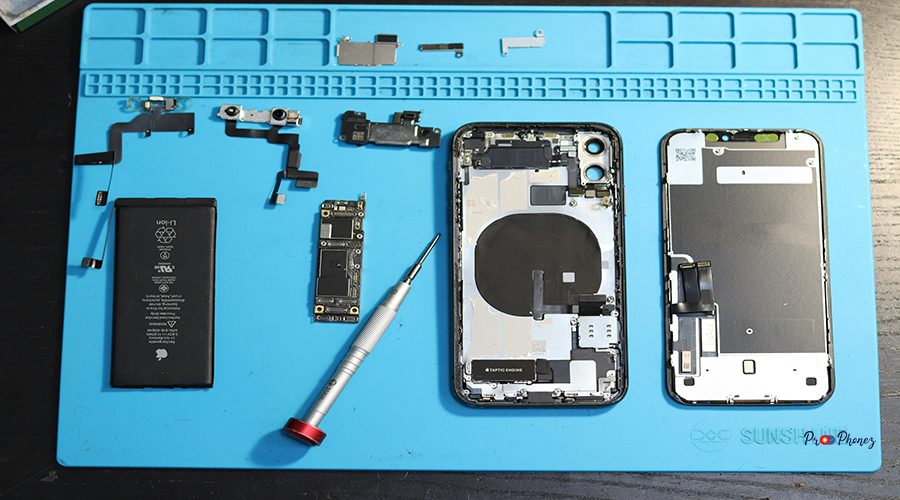
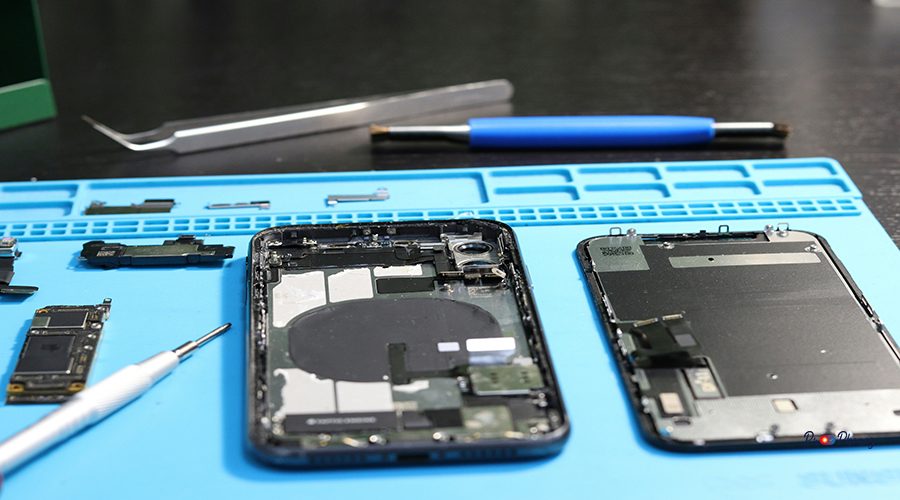
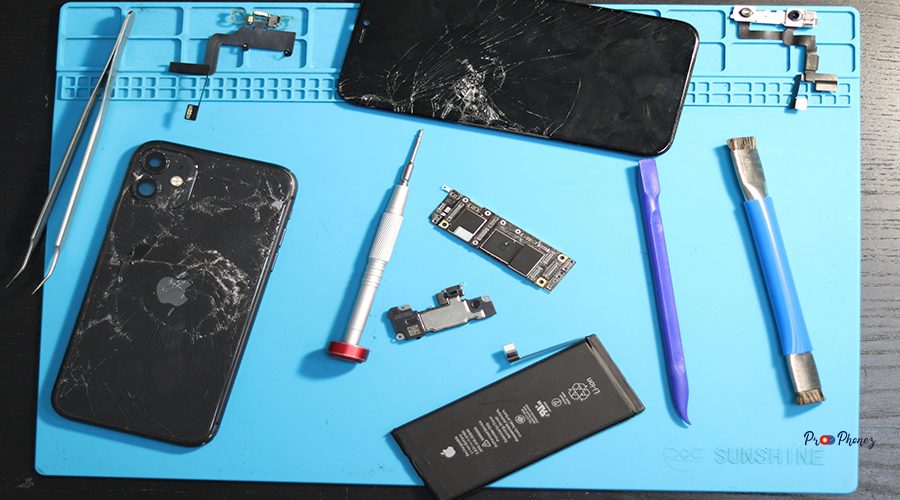
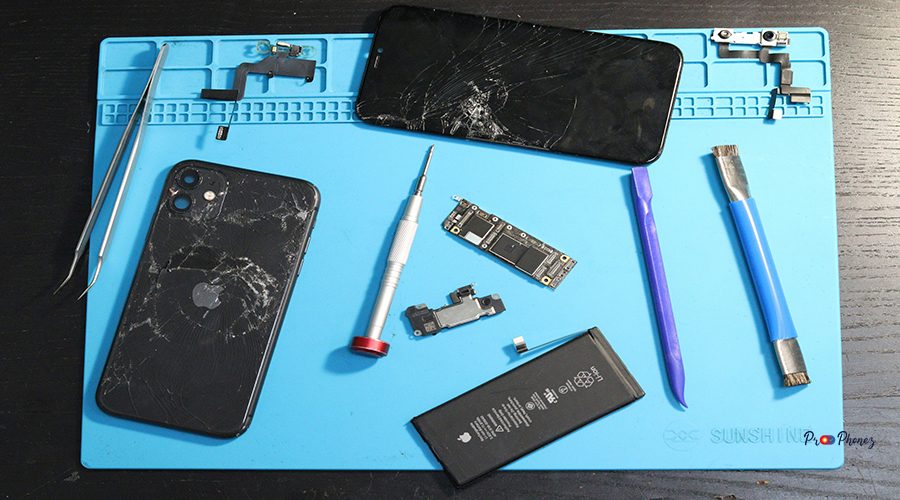
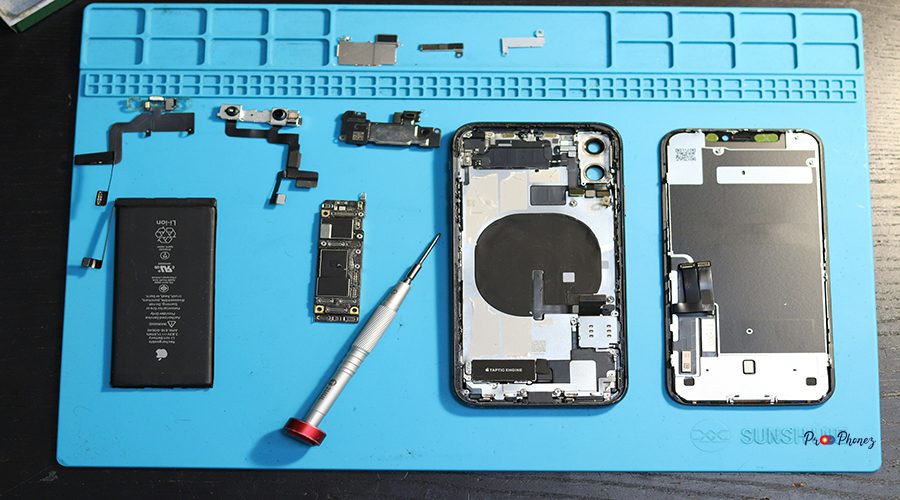
Before you begin, gather all necessary tools, including OEM components, to ensure efficiency and safety. You’ll need a precision screwdriver set, a plastic spudger, suction cups, tweezers, a heat gun or hair dryer, isopropyl alcohol, microfiber cloths, and a replacement back glass panel for your iPhone. For optimal results, consider using a laser machine for adhesive removal, though it’s optional for DIYers. Lets discuss iphone 12 back glass replacement on prophonez.
Step-by-Step Guide to Removing Damaged Glass
- Power Down: Turn off your iPhone 12 and remove the SIM card tray.
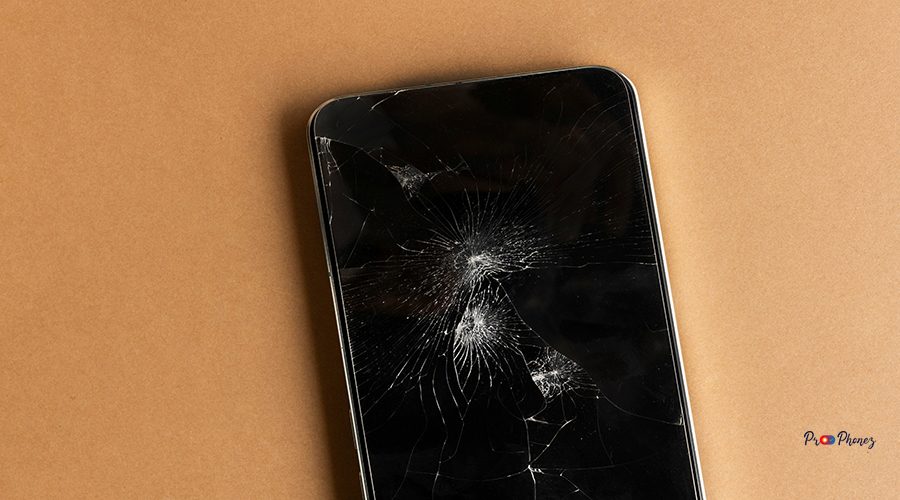
- Heat the Back Panel: Use a heat gun or hair dryer to soften the adhesive around the edges.
- Create a Gap: Gently insert a plastic spudger or guitar pick between the glass and frame.
- Lift Carefully: Work your way around the perimeter, applying gentle, even pressure.
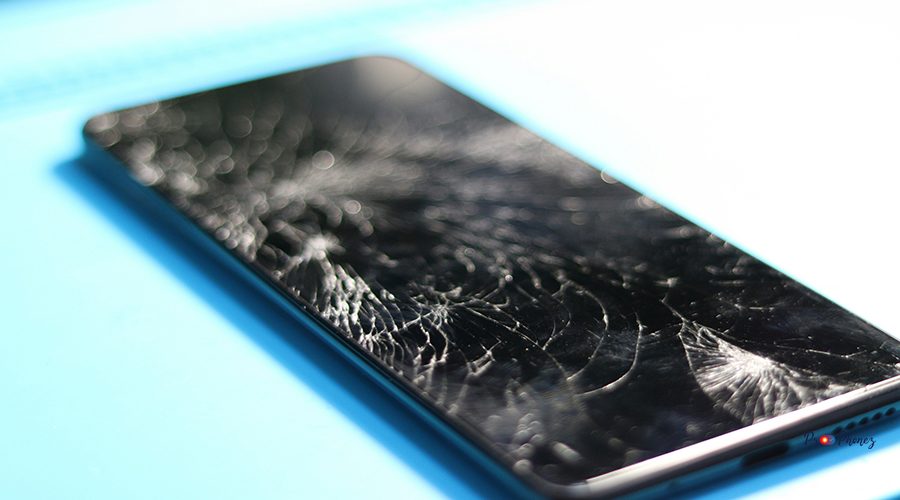
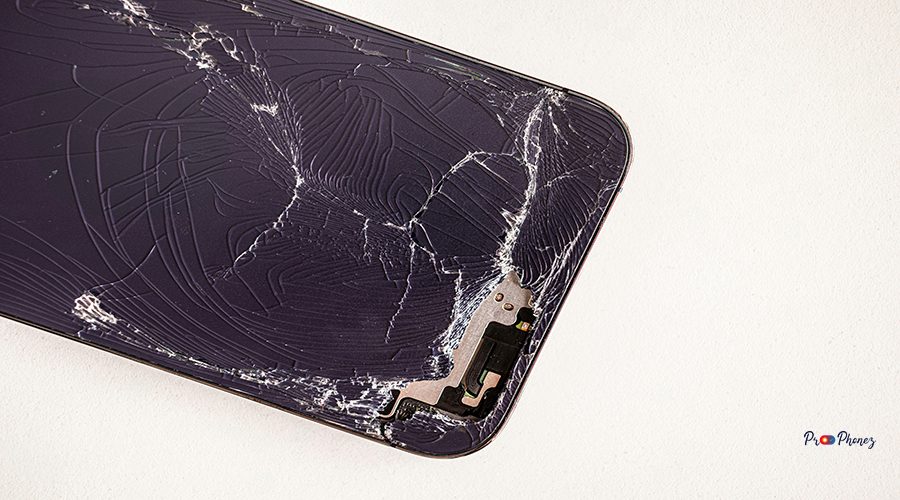
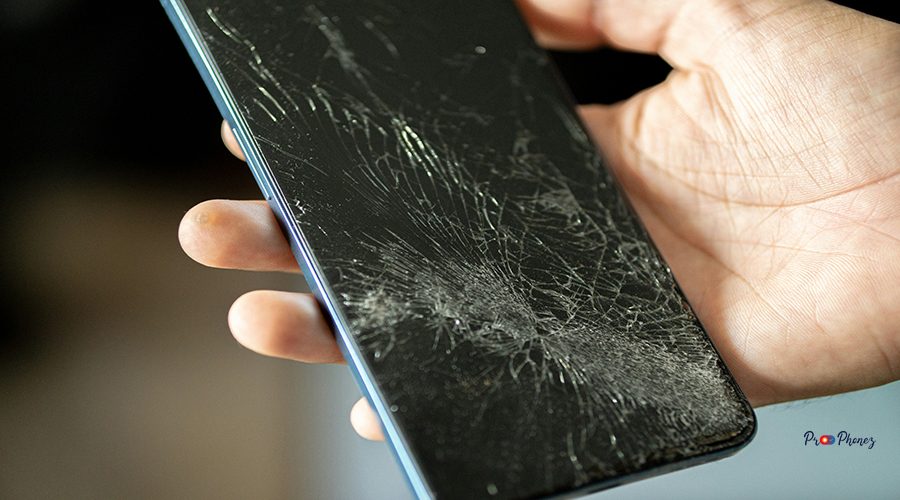
- Remove Shards: Use tweezers to lift out any stubborn glass fragments.
- Clean the Surface: Wipe away residue with isopropyl alcohol and a microfiber cloth.
Expert Tips for a Seamless Replacement
- Work in a dust-free, well-lit environment.
- Take photos during disassembly for reference.
- Label screws and small components to avoid confusion.
- Use only OEM or high-quality replacement glass for durability, and ensure it comes with a warranty.
- Avoid using metal tools directly on the frame to prevent scratches.
Avoiding Common Mistakes; Ensuring a Flawless Finish
- Don’t rush the heating process; insufficient heat can crack the frame.
- Never pry too forcefully—this can damage internal components.
- Double-check adhesive placement before installing new glass.
- Ensure all glass shards are removed to prevent uneven seating.
Final Touches for a Polished Look
- Use compressed air to remove dust before sealing, and ensure every service step is followed precisely to avoid issues.
- Press the new glass evenly into place, applying gentle pressure.
- Clean fingerprints and smudges with a microfiber cloth.
- Allow adhesive to cure fully before using the device.
Essential Tools for a Seamless Repair
In addition to the basics, consider anti-static gloves, a magnetic project mat, and a small vacuum for debris, especially during an apple screen repair. These tools streamline the process and reduce the risk of accidental damage.
Step-by-Step Guide to Removing Damaged Glass
- Power off the device.
- Heat the back glass.
- Insert a spudger to separate the glass.
- Remove all fragments and adhesive residue.
- Clean the area thoroughly.
Ensuring Safety During Your DIY Project
- Wear safety glasses to protect your eyes from glass shards.
- Use gloves to prevent cuts.
- Work on a non-slip mat to keep your device stable.
- Keep liquids away from electronic components.
Tips for Trouble-Free Reassembly
- Align the new glass precisely before pressing down.
- Use a clamp or weighted object to hold the glass in place while the adhesive sets.
- Reinstall the SIM tray and power on the device to test functionality.
Common Mistakes and How to Avoid Them
- Skipping the cleaning step can lead to poor adhesion.
- Using excessive force may damage the wireless charging coil.
- Forgetting to test the device before final assembly can result in missed issues.
Essential Tools for Successful Repair
Gather a heat gun, suction cup, plastic picks, tweezers, isopropyl alcohol, microfiber cloth, replacement glass, back cover, and screen repair tools. Optional: laser separator for advanced users to assist with efficient repairs.
Understanding the Replacement Process Step by Step
- Power off, remove SIM tray, and take off the back cover.
- Heat and loosen adhesive.
- Separate and remove broken glass.
- Clean the frame thoroughly before beginning any repairs.
- Apply new adhesive and install replacement glass.
- Test device before final assembly.
Common Challenges and How to Overcome Them
- Stubborn Adhesive: Apply more heat and use isopropyl alcohol to soften.
- Tiny Glass Shards: Use tape or a vacuum for removal.
- Misalignment: Dry-fit the glass before final placement.
Ensuring a Seamless Finish: Pro Tips
- Use a laser separator for clean adhesive removal.
- Apply even pressure when installing new glass.
- Allow adhesive to cure for at least 30 minutes.
Maintaining Your iPhone After Glass Replacement
- Use a protective case to prevent future damage.
- Avoid exposing your phone to extreme temperatures.
- Clean the back regularly with a microfiber cloth.
Essential Tools for the Job
You’ll need a heat gun, suction cup, plastic picks, tweezers, isopropyl alcohol, microfiber cloth, and replacement glass. Optional: laser separator for advanced users.
Step-by-Step Removal Process
- Power off and remove SIM tray.
- Heat the back glass.
- Insert a spudger to separate the glass.
- Remove all fragments and adhesive residue.
- Clean the area thoroughly.
Handling Common Challenges
- For stubborn adhesive, reapply heat and use isopropyl alcohol.
- For tiny shards, use tape or a vacuum.
- For misalignment, dry-fit the glass before final placement.
Dos and Don'ts for a Smooth Replacement
Do:
- Work slowly and methodically.
- Use high-quality OEM replacement parts that come with a warranty.
Don’t:
- Rush the process.
- Use metal tools on the frame.
Finishing Touches: Making it Look Brand New
- Clean the new glass and the back cover with a microfiber cloth.
- Check for gaps or unevenness.
- Allow adhesive to cure fully before use.
Essential Tools You Need
Gather a heat gun, suction cup, plastic picks, tweezers, isopropyl alcohol, microfiber cloth, an iPhone or another apple device, and replacement glass to service your device efficiently.
Prepping Your Device for a Smooth Repair
- Power off and remove the SIM tray.
- Clean the device exterior.
- Organize your workspace and tools.
Step-by-Step Guide to Replacing the Glass
- Heat the back glass.
- Separate and remove broken glass.
- Clean the frame.
- Apply new adhesive.
- Install replacement glass.
Common Mistakes and How to Avoid Them
- Skipping cleaning leads to poor adhesion.
- Using excessive force can damage components.
- Not testing the device before final assembly.
Ensuring a Safe and Effective Repair
- Wear safety glasses and gloves.
- Work on a stable, non-slip surface.
- Keep liquids away from electronics.
Essential Tools for Your Repair Kit
Include a heat gun, suction cup, plastic picks, tweezers, isopropyl alcohol, microfiber cloth, and replacement glass.
Step-by-Step Guide to Removing the Broken Glass
- Power off and remove SIM tray.
- Heat the back glass.
- Insert a spudger to separate the glass.
- Remove all fragments and adhesive residue.
- Clean the area thoroughly.
Important Safety Measures to Consider
- Wear protective eyewear and gloves.
- Keep your workspace organized.
- Avoid distractions during the repair.
Troubleshooting Common DIY Mistakes
- If the new glass doesn’t sit flush, check for leftover debris.
- If wireless charging fails, inspect the coil for damage.
- If adhesive doesn’t hold, reapply and allow more curing time.
Ensuring a Perfect Finish: Final Tips
- Clean the new glass thoroughly.
- Inspect for gaps or misalignment.
- Allow adhesive to cure before using your phone.
Tools You’ll Need for Glass Repair
Prepare a heat gun, suction cup, plastic picks, tweezers, isopropyl alcohol, microfiber cloth, and replacement glass.
Step-by-Step Guide to Safely Remove the Old Glass
- Power off and remove SIM tray.
- Heat the back glass.
- Insert a spudger to separate the glass.
- Remove all fragments and adhesive residue.
- Clean the area thoroughly.
Prepping Your iPhone for New Glass Installation
- Clean the frame and remove all adhesive.
- Dry-fit the new glass to ensure proper alignment.
- Apply adhesive evenly.
Common Mistakes to Avoid; Ensuring a Smooth Repair Process
- Don’t skip cleaning.
- Avoid using metal tools.
- Don’t rush the adhesive curing process.
Tips for Ensuring a Flawless Finish
- Use a microfiber cloth for final cleaning.
- Inspect for gaps or unevenness.
- Allow adhesive to cure fully.
Essential Tools for a Smooth Repair
Gather a heat gun, suction cup, plastic picks, tweezers, isopropyl alcohol, microfiber cloth, and replacement glass.
Step-by-Step Guide to Removing Broken Glass
- Power off and remove SIM tray.
- Heat the back glass.
- Insert a spudger to separate the glass.
- Remove all fragments and adhesive residue.
- Clean the area thoroughly.
Precautions for Preventing Damage
- Use only plastic tools on the frame.
- Avoid overheating the device.
- Wear protective gear.
Ensuring a Perfect Fit with New Glass
- Dry-fit the replacement glass before final installation.
- Apply adhesive evenly.
- Press gently and evenly for a secure fit.
Common Mistakes and How to Avoid Them
- Skipping cleaning leads to poor adhesion.
- Using excessive force can damage components.
- Not testing the device before final assembly.
Understanding the Tools You'll Need
You’ll need a heat gun, suction cup, plastic picks, tweezers, isopropyl alcohol, microfiber cloth, and replacement glass.
Step-by-Step Guide to Replace Your Glass
- Power off and remove SIM tray.
- Heat the back glass.
- Insert a spudger to separate the glass.
- Remove all fragments and adhesive residue.
- Clean the area thoroughly.
- Apply new adhesive and install replacement glass.
Avoid These Common Mistakes
- Don’t skip cleaning.
- Avoid using metal tools.
- Don’t rush the adhesive curing process.
Knowing When to Seek Professional Help
- If you lack the proper tools or experience.
- If internal components are damaged, it could potentially void the warranty.
- If the device does not function after reassembly.
Benefits of Doing It Yourself: Cost and Satisfaction
DIY repair saves money, provides a sense of accomplishment, and enables you to service your device, like an iphone, apple, or any other brand, according to your standards. You gain valuable skills and control over the repair process, ensuring your device is restored to your standards.
Essential Tools for Repair Success
Gather a heat gun, suction cup, plastic picks, tweezers, isopropyl alcohol, microfiber cloth, and replacement glass.
Safety Precautions You Shouldn't Skip
- Wear safety glasses and gloves.
- Work in a well-ventilated, organized space.
- Keep liquids away from electronics.
Step-by-Step Guide to Remove the Broken Glass
- Power off and remove SIM tray.
- Heat the back glass.
- Insert a spudger to separate the glass.
- Remove all fragments and adhesive residue.
- Clean the area thoroughly.
Installing the New Glass: Pro Tips
- Dry-fit the glass before final placement.
- Apply adhesive evenly.
- Use gentle, even pressure to secure the glass.
Common Mistakes and How to Avoid Them
- Skipping cleaning leads to poor adhesion.
- Using excessive force can damage components.
- Not testing the device before final assembly.
Understanding Your iPhone 12's Fragile Design
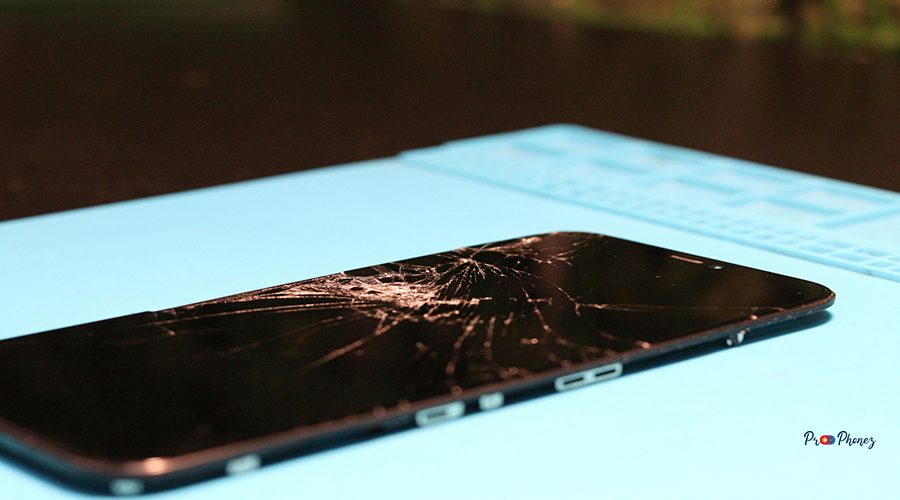
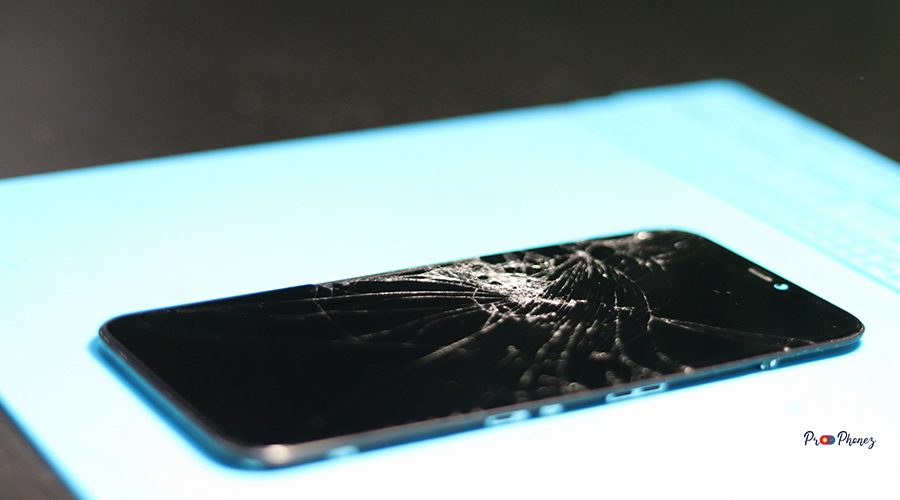
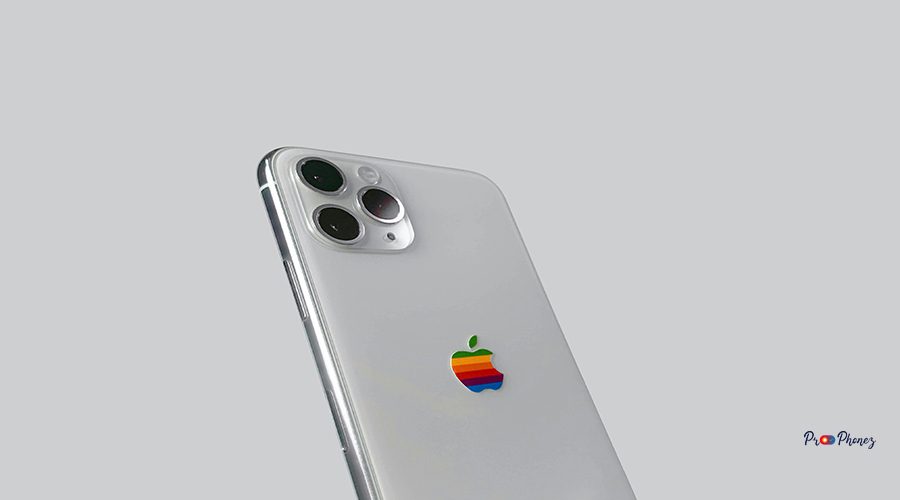
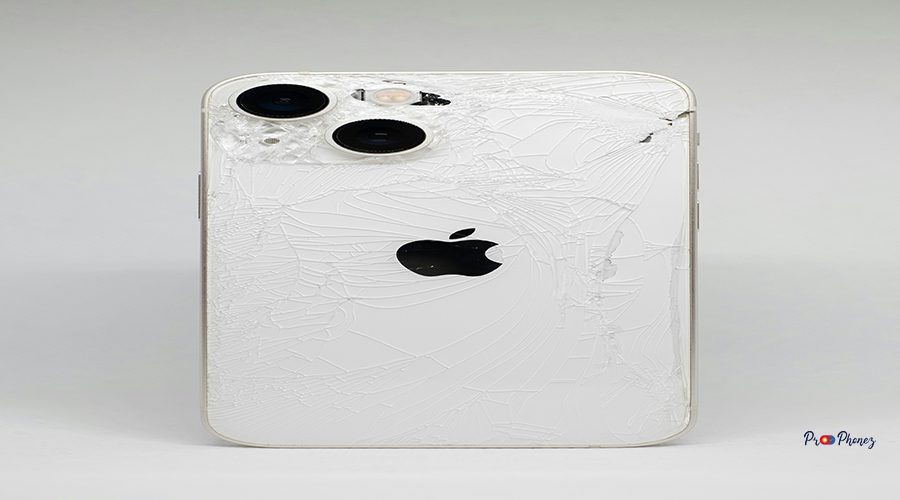
The iPhone 12’s back glass is fused with strong adhesive and houses wireless charging components, and it is recommended to use an OEM replacement part for best results. Its seamless design enhances aesthetics but increases repair complexity, requiring precision and care during repairs and screen replacement.
Essential Tools for Glass Repair
You’ll need a heat gun, suction cup, plastic picks, tweezers, isopropyl alcohol, microfiber cloth, and replacement glass.
Preparing Your Workspace for a Smooth Repair Process
- Work on a clean, flat surface.
- Organize tools and parts for easy access.
- Ensure good lighting and ventilation.
Step-by-Step Guide: Replace Your Phone's Back Panel
- Power off and remove SIM tray.
- Heat the back glass.
- Insert a spudger to separate the glass.
- Remove all fragments and adhesive residue.
- Clean the area thoroughly.
- Apply new adhesive and install replacement glass.
Important Safety Tips to Avoid Mishaps
- Wear protective eyewear and gloves.
- Avoid distractions during the repair.
- Keep your workspace organized and free of hazards.