Identifying the Right Screen for Your Device

vitaly-gariev-cGt31qWTT-A-unsplash

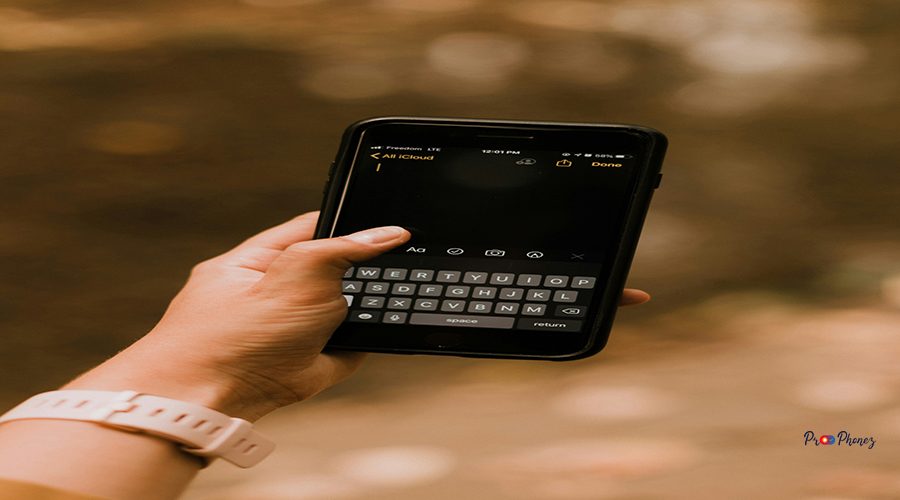
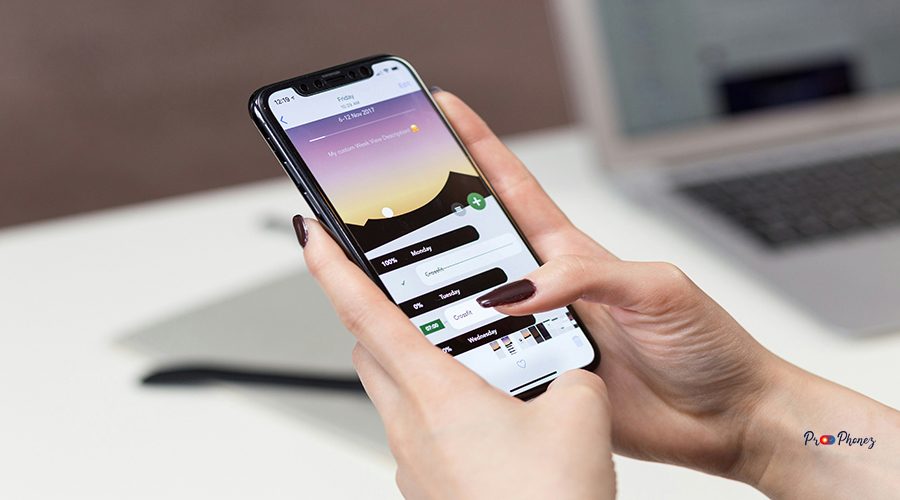
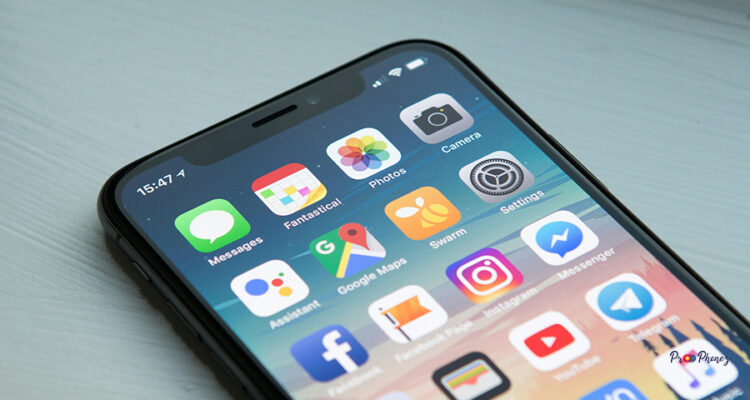
Selecting the ideal replacement screen begins with understanding your device’s unique requirements. Start by identifying your mobile device’s make and model, usually found on the back or within the system settings. Research the original specifications, including screen size, resolution, and connector type. This ensures you choose a screen that matches both physically and technically, guaranteeing seamless integration and optimal performance.

Exploring Screen Technologies and Terminologies

toma-areno-sqMRerhE6go-unsplash

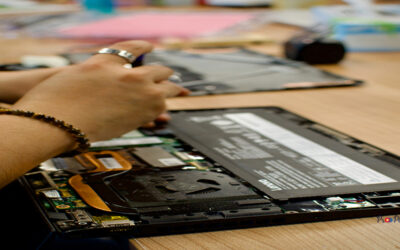
The world of screens is rich with evolving technologies and specialized terms. Familiarize yourself with key concepts such as LCD (Liquid Crystal Display), OLED (Organic Light-Emitting Diode), refresh rate, resolution, aspect ratio, and brightness levels. Understanding these terms empowers you to make informed decisions, ensuring your new screen delivers the clarity, colour accuracy, and responsiveness you expect.
Measuring Dimensions for a Precise Swap

stefan-stefancik-hianDixpuKw-unsplash

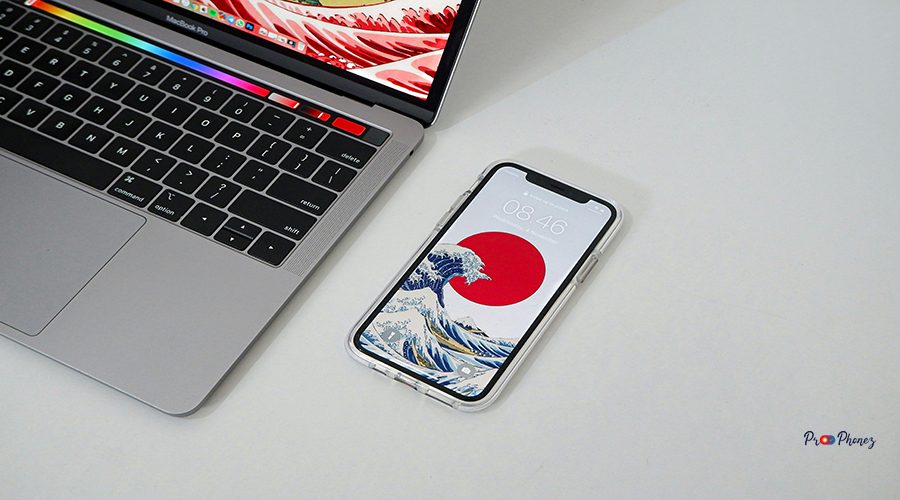
Accurate measurements are crucial for a perfect fit. Use a ruler or digital caliper to measure the diagonal length of your current screen, as well as its width and height. Note the bezel size and mounting points. Double-check these measurements against the specifications of potential replacements to avoid compatibility issues and ensure a smooth installation.
Essential Tools and Accessories for Installation

smart-home-office-rfd3_AxbL4Y-unsplash

Equipping yourself with the right tools streamlines the installation process. Common essentials include precision screwdrivers, plastic prying tools, anti-static wrist straps, and adhesive strips. Depending on your device, you may also need tweezers, suction cups, or specialized opening picks. Having these tools on hand minimizes the risk of damage and simplifies the replacement process.

Maintenance Tips to Extend Your New Screen's Life

shiwa-id-Uae7ouMw91A-unsplash

Maximize your new screen’s lifespan with proactive care, and consider purchasing AppleCare+ for additional protection. Clean the display regularly using a microfiber cloth and gentle, screen-safe cleaner. Avoid excessive pressure and exposure to direct sunlight. Adjust brightness settings to comfortable levels and enable screen savers to prevent burn-in. Handle your device with care to prevent accidental drops or impacts.

Considerations for Quality and Clarity

shiwa-id-F_cfF1uX7qY-unsplash

When choosing a replacement screen, prioritize quality and clarity. Look for high-resolution panels with vibrant colour reproduction and wide viewing angles. Check for certifications such as IPS (In-Plane Switching) for superior colour accuracy or HDR (High Dynamic Range) for enhanced contrast. Reading user reviews and expert ratings can help you identify screens that deliver exceptional visual experiences.

Ensuring Compatibility with Your Device

rishabh-malhotra-83ypHTv6J2M-unsplash

Compatibility is key to a successful replacement. Verify that the new screen matches your device’s connector type, voltage requirements, and mounting configuration. Consult your device’s manual or manufacturer’s website for detailed specifications. If in doubt, reach out to the supplier or manufacturer for confirmation before purchasing.

Shopping Tips for Affordable Options

rasheed-kemy-oqY09oVTa3k-unsplash

Finding a high-quality replacement screen doesn’t have to break the bank. Compare prices across reputable retailers and consider refurbished or open-box options for additional savings. Look for seasonal sales, bundle deals, and manufacturer warranties. Prioritize sellers with positive reviews and transparent return policies to ensure a risk-free purchase.

Installation Guide: Step-by-Step Instructions

priscilla-du-preez-tBypczR1CFI-unsplash
  1. Power off your device and disconnect it from any power source.
  2. Remove the back cover or bezel using appropriate tools.
  3. Carefully disconnect the old screen’s cables and mounting screws.
  4. Align the new screen, connect all cables, and secure it with screws.
  5. Reattach the cover or bezel and power on the device to test the new display.
  6. Adjust settings as needed for optimal performance.

Discovering the Right Display for You

oscar-nord-8l9VxXI28tY-unsplash

The perfect display balances your unique needs and preferences. Consider how you use your device—whether for gaming, design, productivity, or entertainment. Prioritize features like refresh rate, colour accuracy, and brightness that align with your usage. Explore reviews and expert recommendations to find a display that elevates your experience.

Essential Features to Consider in a New Screen

neil-soni-6wdRuK7bVTE-unsplash

Key features to evaluate include resolution, refresh rate, response time, panel type, brightness, and connectivity options. For touch-enabled devices, assess touch sensitivity and durability. Energy efficiency and blue light filtering are also valuable for prolonged use. Choose features that enhance your workflow and viewing comfort.

Top Brands and Models Reviewed

mediamodifier-dBESAHgPL6c-unsplash

Leading brands such as Samsung, LG, Dell, ASUS, and HP consistently deliver reliable replacement screens. Models like the Dell UltraSharp, Samsung Odyssey, and LG UltraFine series are renowned for their performance and durability. Research brand reputation, warranty coverage, and user feedback to identify the best fit for your device.

Installation Made Easy: A Step-by-Step Guide

maxim-ilyahov-0aRycsfH57A-unsplash
  1. Gather all necessary tools and your new screen.
  2. Power down and unplug your device.
  3. Remove any screws or clips securing the old screen.
  4. Gently disconnect cables and remove the old panel.
  5. Position the new screen, reconnect cables, and secure it in place.
  6. Replace covers and test the display for functionality.

Troubleshooting Common Display Issues

mastars-hVAB-M5HqVU-unsplash

If your new screen isn’t functioning correctly, check all cable connections and ensure the screen is properly seated. Verify compatibility and inspect for visible damage. If the display is dim or flickering, adjust brightness settings or update device drivers. Persistent issues may require professional assistance or a replacement.

Understanding Display Types: LCD vs. OLED

liz-weddon-6hXD9Nh6obw-unsplash

LCD screens use a backlight and liquid crystals to produce images, offering affordability and durability. OLED screens emit light from individual pixels, delivering deeper blacks, vibrant colours, and faster response times. Consider your budget, usage, and desired visual quality when choosing between these technologies.

How to Measure Screen Size Accurately

lala-azizli-8QxPem_KGYw-unsplash

Measure the screen diagonally from one corner to the opposite corner, excluding the bezel. Use a tape measure or ruler for precision. Record the width and height for further reference. Accurate measurements ensure you select a replacement that fits perfectly and functions as intended.

Top Features to Consider for Your New Display

kitai-mMQHPNQwIDo-unsplash

Prioritize features such as high resolution, fast refresh rate, low response time, wide colour gamut, and multiple connectivity options. For portable devices, consider weight, battery efficiency, and mobile connectivity. Advanced features like adaptive sync and HDR support can further enhance your viewing experience.

Popular Brands Offering Quality Displays

jakub-zerdzicki-xvewXA5u9VA-unsplash (1)

Brands like Apple, Lenovo, Acer, and ViewSonic are celebrated for their high-quality displays. Each offers a range of models tailored to different needs, from professional-grade monitors to budget-friendly options. Explore their product lines to find a display that matches your requirements and expectations.

Installation Tips for Your New Monitor Panel

juwhan-yu-icBf_MjkJu0-unsplash

Work in a clean, static-free environment to prevent damage. Organize screws and components for easy reassembly. Follow the manufacturer’s instructions closely, and avoid forcing any parts. Test the display before fully securing the panel to ensure everything is functioning correctly.

Types of Displays to Consider

josue-sanchez-R0Xf6y6mBEU-unsplash

Explore various display types, including LCD, LED, OLED, and QLED. Each offers unique advantages in terms of brightness, colour accuracy, and energy efficiency. Assess your needs and budget to determine which type best suits your device and usage habits.

Key Factors to Evaluate

josue-sanchez-5Gjw_l4sh34-unsplash

When selecting a replacement screen, evaluate factors such as compatibility, resolution, panel type, refresh rate, and warranty. Consider your primary use cases—gaming, work, or media consumption—to prioritize features that matter most to you.

How to Measure for Precision

jonathan-castaneda-sxxEivCdwG0-unsplash

Use a digital caliper or measuring tape to record the exact dimensions of your current screen. Measure the diagonal, width, and height, and note the position of mounting holes and connectors. Double-check your measurements before ordering to ensure a precise fit.

Troubleshooting Common Issues

jonas-leupe-WargGLQW_Yk-unsplash

If you encounter issues like no display, flickering, or colour distortion, first check all connections and ensure the screen is compatible. Update your device’s firmware or drivers. If problems persist, consult the manufacturer or seek professional repair services.

Expert Tips for the Perfect Selection

j-a-n-u-p-r-a-s-a-d-j3uncnQ-eAw-unsplash

Consult device manuals and manufacturer websites for compatibility information, and check if AppleCare+ offers coverage for screen repairs or replacements. Read expert reviews and user testimonials to gauge performance and reliability. Don’t hesitate to contact customer support for clarification on specifications or installation procedures.

Identifying Your Device’s Model for a Perfect Match

jakub-zerdzicki-YP11byzfrYo-unsplash

Locate your device’s model number, typically found on the back, under the battery, or in system settings. Use this information to search for compatible screens. Cross-reference with manufacturer specifications to ensure a perfect match for both size and functionality.

Tips for Measuring Your Screen Accurately

jakub-zerdzicki-wCD8sW9hFAs-unsplash

Always measure the visible display area, excluding bezels. Use a soft tape measure for flexibility and accuracy. Record measurements in both inches and millimetres for reference. Double-check your results to avoid costly mistakes.

Exploring Different Screen Types and Colours

jakub-zerdzicki-qnPTR3O0sLo-unsplash

Modern screens come in various types—matte, glossy, anti-glare—and a spectrum of colour calibrations. Matte screens reduce reflections, while glossy screens offer vibrant colours. Consider your environment and preferences when choosing the finish and colour profile of your new screen.

Steps to Install Your New Display

jakub-zerdzicki--orfe0w1tvs-unsplash
  1. Power off and unplug your device.
  2. Remove the back panel or bezel.
  3. Disconnect the old screen’s cables.
  4. Install the new screen, ensuring all connections are secure.
  5. Reassemble the device and power it on to test the display.

How to Maintain and Extend Your Screen’s Lifespan

jakub-zerdzicki-nKGlH6_PDxk-unsplash

Clean your screen regularly with a soft, lint-free cloth. Avoid harsh chemicals and excessive moisture. Adjust brightness to comfortable levels and use screen protectors to guard against scratches. Handle your device gently to prevent accidental damage.

Understanding Screen Compatibility

jakub-zerdzicki-LgE3whpa5VA-unsplash

Screen compatibility depends on size, resolution, connector type, and mounting configuration. Always verify these specifications before purchasing a replacement. Consult your device’s manual or manufacturer’s website for detailed compatibility information.

Measuring for the Right Size

jakub-zerdzicki-JkWuZuXEH18-unsplash

Measure the diagonal length of your current screen, as well as its width and height. Note the position of mounting holes and connectors. Accurate measurements ensure your new screen fits perfectly and functions as intended.

Exploring Different Screen Types

jakub-zerdzicki-GcSLfuHXcEs-unsplash

Consider LCD, LED, OLED, and QLED screens, each offering unique benefits in terms of brightness, colour, and energy efficiency. Research the advantages of each type to determine which best suits your needs.

Installing Your New Display

jakub-zerdzicki-Fc72uo8lG58-unsplash

Follow the manufacturer’s instructions carefully. Use the right tools and work in a static-free environment. Test the new display before fully securing it to ensure proper functionality.

Troubleshooting Common Issues

jakub-zerdzicki-EDv_9Fg-h3s-unsplash

If your new screen isn’t working, check all connections and ensure compatibility. Update device drivers and firmware. If issues persist, consult the manufacturer or seek professional assistance.

Choosing the Right Display for Your Device

jakub-zerdzicki-drgAjPfOXdE-unsplash

Assess your usage patterns and prioritize features like resolution, refresh rate, and colour accuracy. Research reputable brands and read user reviews to find a display that meets your needs and budget.

Factors to Consider Before Your Purchase

jakub-zerdzicki-bYYLY192Sw4-unsplash

Evaluate compatibility, quality, warranty, and price before making a purchase, especially when considering mobile devices. Consider your primary use cases and prioritize features that enhance your experience.

How to Measure for an Accurate Fit

jakub-zerdzicki-aJLuC5bzyEY-unsplash

Use a tape measure to record the diagonal, width, and height of your current screen. Double-check your measurements and compare them with replacement options to ensure a perfect fit.

Top Picks for Different Brands and Models

jakub-zerdzicki-3FyuwdNsvhQ-unsplash

Explore top-rated screens from brands like Samsung, LG, Dell, and ASUS. Each offers models tailored to various needs, from high-performance gaming to professional productivity.

Installation Tips: Ensuring a Seamless Swap

grey-wight-ZOXwrpmYWrA-unsplash

Organize your workspace and tools before starting. Follow step-by-step instructions and handle components with care. Test the new screen before final assembly to ensure everything works correctly.

Explore Different Display Options

getty-images-VUU7CNzPzok-unsplash

Research various display technologies and features to find the best match for your device and preferences. Consider factors like resolution, panel type, and connectivity.

How to Measure for a Custom Fit

getty-images-L7Tj5Ox2tR0-unsplash

Take precise measurements of your current screen, including diagonal, width, height, and mounting points. Use these measurements to find a custom-fit replacement.

Choosing the Right Material for Your Needs

getty-images-HSnA7ZXYdIU-unsplash

Screen materials vary from standard glass to reinforced Gorilla Glass and anti-glare coatings. Choose a material that balances durability, clarity, and your specific usage requirements.

Compare Top Brands: A Comprehensive Guide

getty-images-h13V-Hj4pDY-unsplash

Compare leading brands based on performance, reliability, warranty, and user feedback. Brands like Apple, Samsung, Dell, and HP offer a range of options to suit different needs and budgets, and consider purchasing AppleCare+ for added protection with Apple devices.

Installing Your New Screen Made Easy

getty-images-cXdrP9kn8H8-unsplash

Prepare your tools and workspace, follow the manufacturer’s instructions, and handle all components with care. Test the new screen before finalizing installation to ensure success.

Understanding Different Types of Displays

getty-images-B9r22WctVgQ-unsplash

Familiarize yourself with LCD, LED, OLED, and QLED technologies. Each offers distinct advantages in terms of image quality, energy efficiency, and cost. Choose the type that best aligns with your needs.

Factors to Consider Before Choosing

getty-images-9L3I_KpHClY-unsplash

Consider compatibility, quality, price, and warranty before selecting a replacement screen. Assess your primary use cases and prioritize features that matter most to you.

How to Measure for an Accurate Fit

getty-images-7imOVBRg69I-unsplash

Measure the diagonal, width, and height of your current screen. Note the position of connectors and mounting points. Double-check your measurements to ensure a precise fit.

Comparing Materials: Which One is Best?

freestocks-L5DxWLmywmM-unsplash

Glass, plastic, and composite materials each offer unique benefits. Glass provides clarity and durability, while plastic is lightweight and shatter-resistant. Choose the material that best suits your needs and environment.

Beginners' Guide to Installation

erik-mclean-BXiLSwwvqrY-unsplash

Start by gathering the necessary tools and reading the manufacturer’s instructions. Work slowly and methodically, keeping track of screws and components. Test the new screen before reassembling your device.

Understanding Screen Types for Your Device

eduardo-ramos-zevGz508koA-unsplash

Identify whether your device uses LCD, LED, OLED, or another display type. Each has unique characteristics that affect compatibility and performance. Consult your device’s manual or manufacturer for details.

How to Measure for a Perfect Screen Fit

dimitri-karastelev-1Y-hk45tyMs-unsplash

Use a tape measure to record the diagonal, width, and height of your current screen. Compare these measurements with replacement options to ensure a perfect fit.

Comparing Prices and Quality of Screen Options

ben-kolde-cpLsWmMEa1Q-unsplash

Shop around to compare prices and quality across different brands and retailers. Look for reviews, warranties, and return policies to ensure you get the best value for your investment.

DIY Screen Installation: Tips and Tricks

arpad-czapp-3HmjBAwdAxo-unsplash

Work in a clean, static-free environment. Use the right tools and follow step-by-step instructions. Take your time and double-check all connections before powering on your device.

Maximizing Screen Longevity; Maintenance and Care

a-c-r6hi4wUDtm4-unsplash

Clean your screen regularly with a microfiber cloth. Avoid harsh chemicals and excessive pressure. Adjust brightness settings and use screen protectors to prevent damage. Handle your device with care to extend the life of your new screen.